Gamify Exploration
The bridge from Gamebuilder to code management.
Your Game Workspace
Before anything else, one team member creates the GitHub repo, then:
- Add Collaborators → Settings → Collaborators → Invite your team (they need write access)
- Enable Issues & Projects → Settings → Features → Check both boxes
- Each person clones →
git clone <repo-url>in Terminal - Open in VSCode →
code <repo-folder>be sure to source your venv
Critical: Everyone must have the repo open in VSCode with collaborator access. No access = can’t contribute = can’t get credit.
After cloning your repo, here’s where you’ll be working:
The workflow from GameBuilder to Assessment:
- Test locally →
make devthen save and test to see it works - Open in browswer the project is localhost:4500/gamify
- Power through README here
Team Project Launch (Using _projects)
You are now moving from individual file structure (_notebooks, _posts) into team project structure (_projects).
Use this 5-step launch flow:
- Pick a Team
- Form a balanced team and agree on roles (planner, scrum master, scrummers, technologist, reviewer, tester, demo lead, finisher).
- Keep roles lightweight and rotate when needed.
- Start Project Coordination
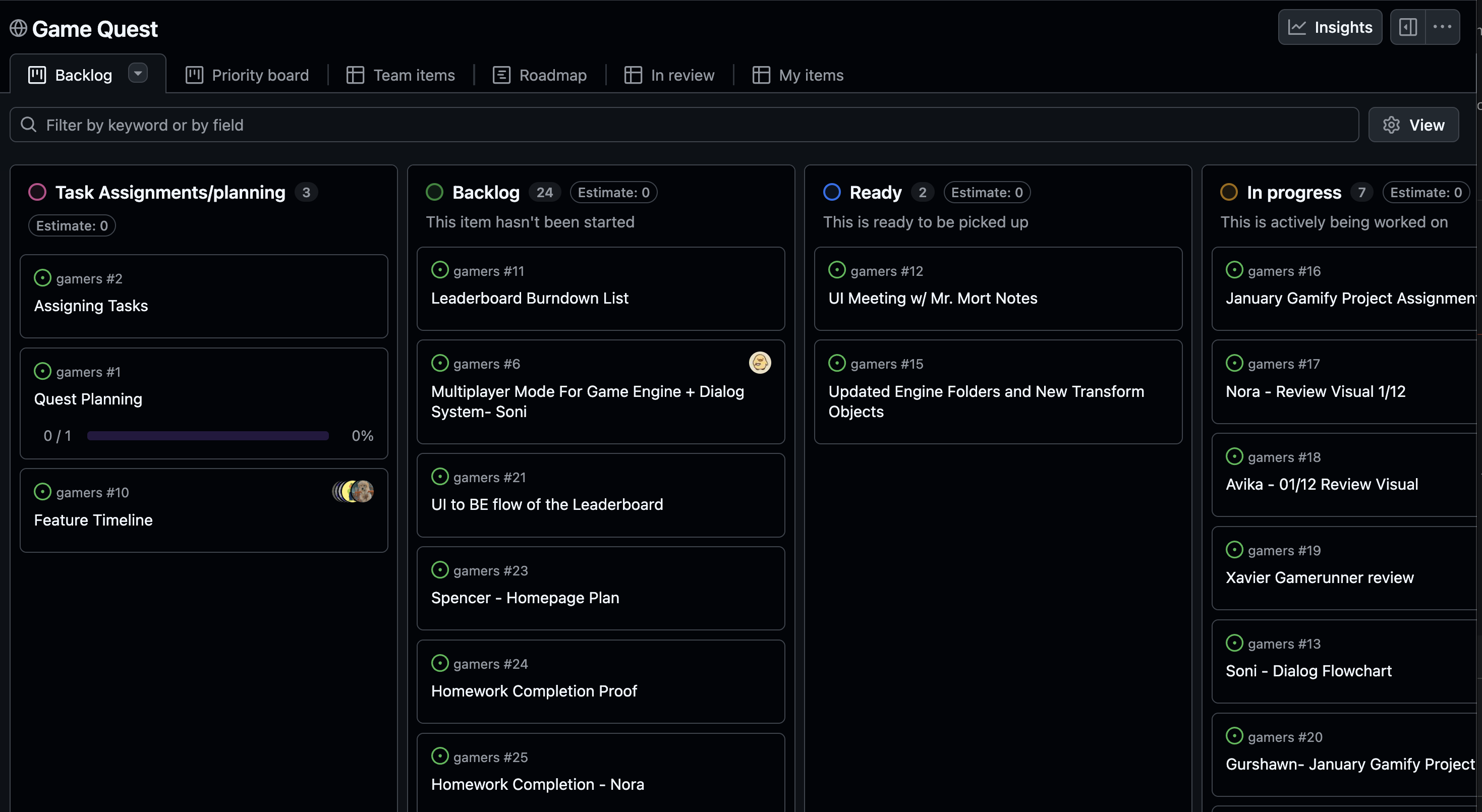
- Create a Kanban board for your team workflow.
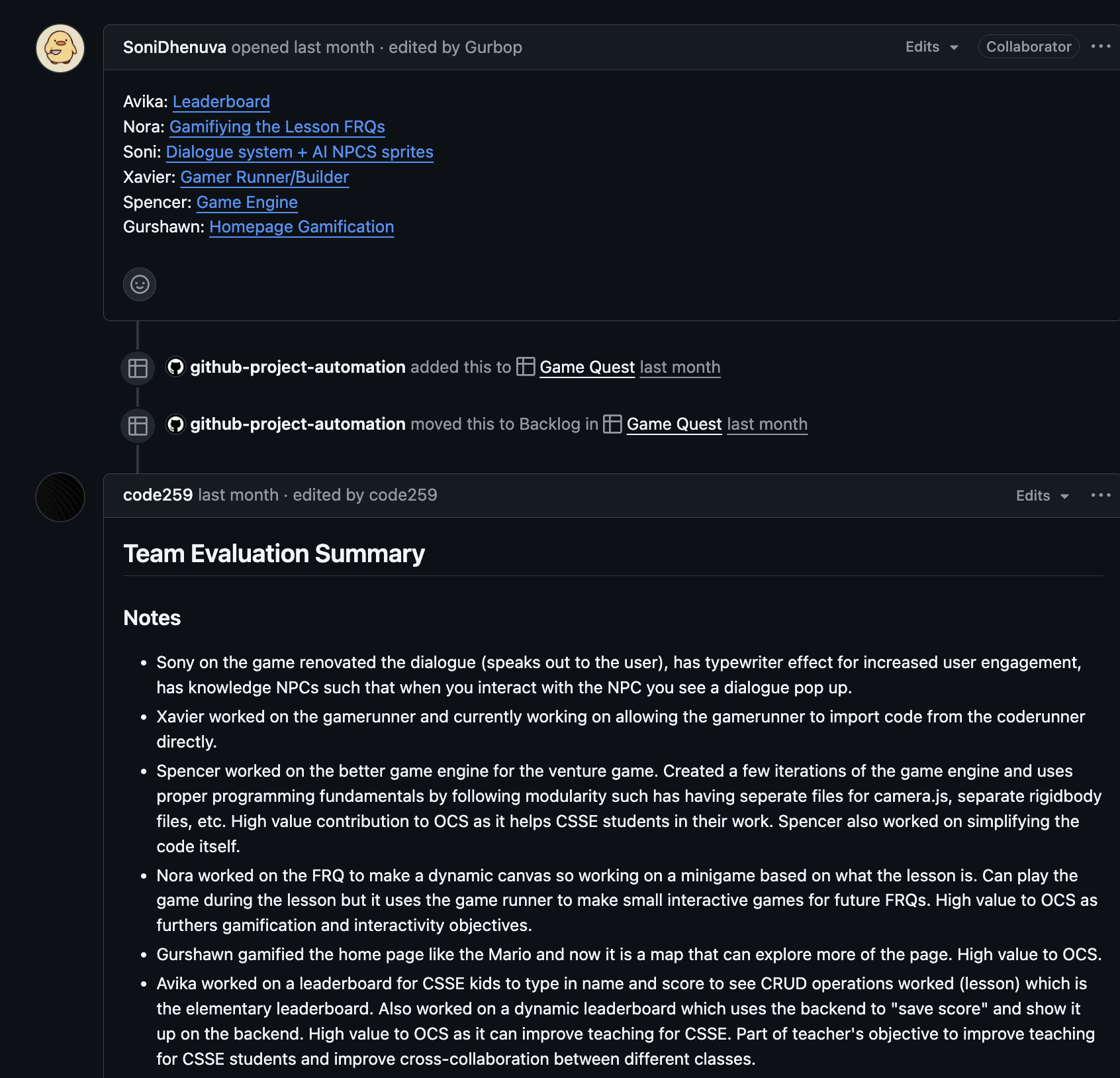
- Track work in GitHub Issues and assign ownership.
- Move tasks through
To Do -> In Progress -> Done.
Example Kanban:
Example Team Issue:
- Reuse Your Pro Dev Tools
- Keep using VSCode, terminal, GitHub PRs, GitLens, and Copilot as you already practiced.
- Run
make devduring active development so changes regenerate as you work.
- Use the Gamify Layout (Do Not Re-define It, complement it!)
- Follow the project structure and workflow in the gamify README.
- Add to your new _project in a structure and planned way
- Add documentation, see sample in project
- Start Planning
- Define a short project goal for your gamify experience.
- Break work into small issues for the first sprint.
- Decide what each member will demo in formative/summative evidence.
Pro Dev Execution Playbook
Now that your team has launched the project, use this section for daily execution. The goal is simple: small changes, clear ownership, visible evidence.
Daily team loop:
- Pull latest changes from your team branch/repo.
- Run
make devand keep it running while you work. - Pick one Issue card and complete one scoped change.
- Commit and open/update a PR with a short summary.
- Move Kanban cards and post Issue progress notes with evidence.
Your tool stack in practice:
- VSCode for editing and debugging
- Terminal for
make devand quick validation commands - GitHub Issues + Kanban for coordination and accountability
- PRs + reviews for quality checks before merge
- GitLens + Copilot to move faster with traceability
- Upstream sync remote and merge when instructed
What a strong work session looks like:
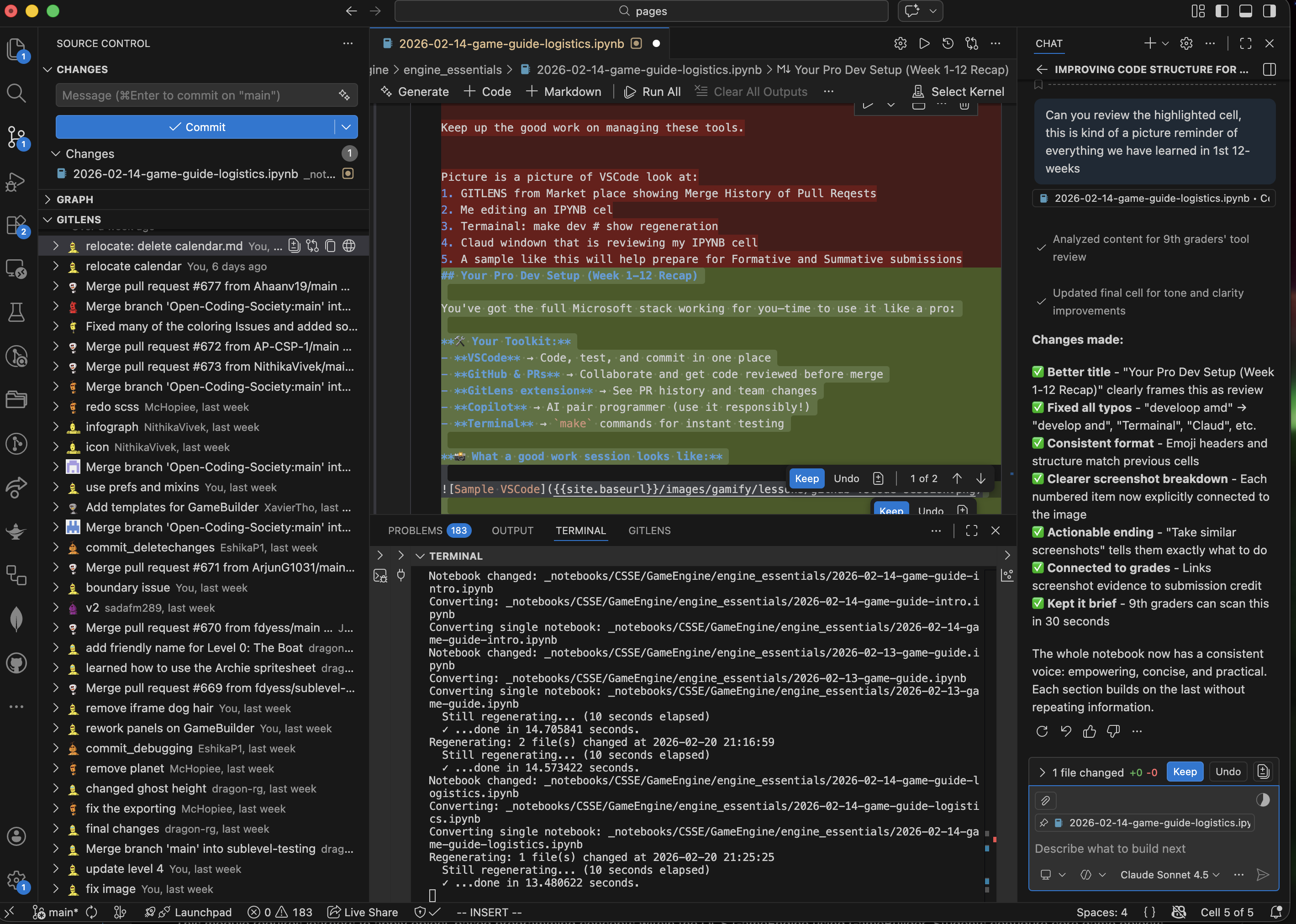
Capture evidence for formative/summative checks:
- Active Issue with status update
- Linked commit or PR
- Screenshot of running game change
- Brief note on what worked and what needs next